
Browser Comparison
Since the open-source Mozilla Project began a few years ago, the promise of a lightweight, reliable, standards-compliant browser for Linux has loomed on the horizon. This article looks at seven Linux web browsers currently under development and documents how well they performed several browsing tasks.
All of the browsers worked well and were stable, but there were some disappointing test results, such as the inability to print a range of pages. As all of these browsers are still under development, there is hope that these types of problems will be fixed soon.
The browser versions covered in this article are: Beonex-Communicator 0.7-dev-2, BrowseX-1.5.0, Galeon-1.0.1, Konqueror-2.2.1, Mozilla-0.9.6, Opera-5.0-static and SkipStone-0.7.7. SkipStone and Konqueror were compiled from source, the others were installed as RPM packages. Due to the rapid development of these browsers and the production schedule inherent in a monthly publication, these versions probably will not be the latest by the time you read this.
The system running the browsers was a Red Hat 6.2 installation on a Pentium 133MHz computer with 80MB of RAM. GNOME 1.4 and KDE 2.2.1 also were installed, along with the CUPS-1.1.5 printing system.
The tests that the browsers were put through were meant to determine how well they performed tasks such as browsing, downloading files and printing. The tests and results are summarized in Table 1, and the actual tests are explained below.
Web Banking: this test determined if a browser could log in to my bank's web banking system and view account data.
PayPal: each browser had to sign in to PayPal (www.paypal.com), view account balances and transfer money from the PayPal account.
Encryption: the SSL Check page at Fortify.net (www.fortify.net/sslcheck.html) was used to determine the strength of each browser's encryption.
My eBay: passing this test involved signing in to eBay (www.ebay.com) using the Sign In option and viewing multiple pages within My eBay without having to sign in again.
Create an eBay Auction: each browser had to successfully create a new eBay auction that consisted of the following steps: clicking on the Sell button, selecting a category, allowing the sell-item form to be filled out and processing the form when the Continue button was clicked. Early Mozilla-based browsers failed this test because of the way they handled JavaScript errors (Mozilla bug 91018), but this appears to have been fixed.
iPrint: the iPrint site (www.iprint.com) allows the creation of business stationery with a web browser. To successfully pass this test, the browser had to be able to select business checks and edit their layout.
Printing: printing capabilities of the browsers were tested by seeing if the browsers could print a range of pages, print in first-page-first and first-page-last order, print in color and grayscale, print in portrait and landscape orientations and print a page to disk.
Save Site to Disk: this test simply involved saving web pages to disk and then being able to view the files.
Downloading: the downloading capabilities of each browser were tested by clicking on download links and by logging in to FTP sites. The ability to specify external downloading applications was also noted.
Usability Features: this category notes some features that increase the ease of use of the browser. The following values were possible: disable animations (it is possible to disable GIF animations), drag-and-drop (URLs can be dragged to the browser or to other applications from the browser), ID (the browser's user-agent string can be changed), mouse wheel (the browser responded to the mouse scroll wheel), one-click clear location (the browser provided a method to clear the location text box with one click of the mouse) and zoom (the browser had the ability to increase and decrease the size of the text on the displayed page).
Mail: this test indicates how each browser handled mailto: links. It also indicates which browsers offer the ability to launch user-defined mail programs.
Java: this test determined if the browser could run Java applets, such as the demo programs from the Sun web site. The Java2 package used was downloaded from Netscape's site.
Plugins: to determine the ability of the browser to recognize Netscape plugins, specifically the Macromedia Flash plugin, and successfully display a site that required it was the purpose of this test.
Transparent PNG: to pass this test the browser had to properly display a web page containing a PNG picture with a transparent background that was created with The GIMP. The browser that failed the test showed the picture with a black background.
The Beonex Communicator is virtually identical to Mozilla in both appearance and functionality, but it boasts security and searching improvements. Its default Search tab, located in the sidebar, provides more default search engines than Mozilla's, and it allows searches to be run through several search engines at the same time, displaying the results from all the engines. Additional search engines can be added to the browser by going to Mozilla's Sherlock page at sherlock.mozdev.org.
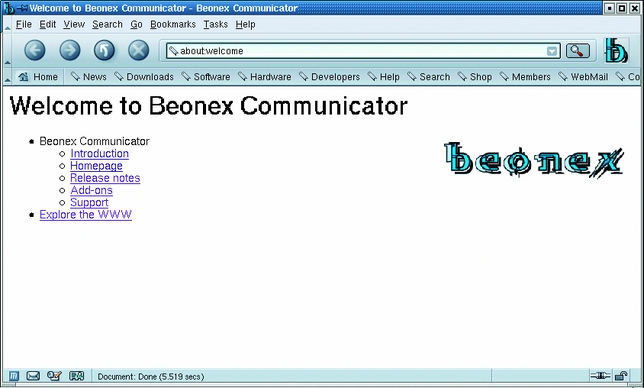
Beonex-Communicator Screenshot
According to Beonex's Ben Bucksch, Beonex is targeting their efforts toward making their browser appealing to users. The browser is easy to install, and software such as Java can be installed from the Beonex web site with a couple of clicks. They also have changed the default settings, things like forced session cookies and HTTP referrers, to more secure values. The company also tries to keep users informed of browser exploits and problems via their web site.
BrowseX-1.5.0 is one of the most unique browsers tested; it is written in a combination of Tcl and C, making it resource-light. It contains its own mail and talk/chat clients, supports HTML 3.2 and handles graphics, secure web sites and JavaScript. Another unique feature of this browser is that it implements the TML extension, which provides an embedded web-scripting interface to Tcl, Perl and Python. BrowseX also can import existing Netscape bookmarks by selecting Import Netscape Bookmarks from the File®Util menu.
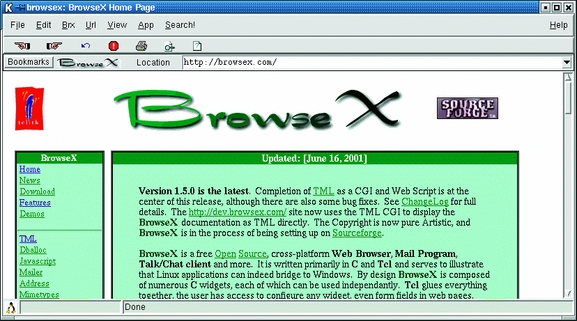
BrowseX Screenshot
The browser did have some problems with printing and with eBay. Printing to the printer produced nothing, but printing to disk worked. The browser displayed extra characters when rendering eBay pages and had trouble selecting a category when creating an auction. Drop-down lists in BrowseX don't scroll; instead they have a More selection at the bottom of the list that displays another panel containing more list items, much like Netscape. It was impossible to navigate extremely long category lists in this way.
Galeon's motto is “The web, only the web”, and Galeon is meant to be only a web browser, not an all-in-one web tool. It is based on Mozilla code and requires Mozilla to be installed before it can be used. This was one of the first Mozilla-based browsers, and its maturity shows in the features provided. One such feature is the Smart Bookmarks, which have their own toolbar and allow the user to do things such as search Freshmeat II, Google and Google's news archive. Another nice feature is the Settings menu on the top menubar that allows easy access to such settings as proxies, animation control and JavaScript.
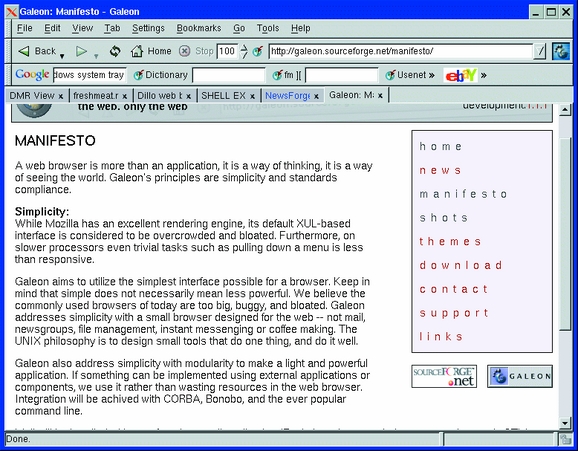
Galeon Screenshot
Galeon has a small annoyance when you are using its default download handler. If the program is set to allow the user to pick the download destination, the download filename is cleared when a directory is picked. The filename has to be typed back in after navigating to the desired directory before the file can be saved.
Konqueror is KDE's filesystem/web browser application and is not based upon Mozilla. The browser has unique features, including the ability to split the window into panes, with each pane displaying different web sites or even a web site and the contents of a local directory. Konqueror allows Java, JavaScript and browser identification to be controlled on a site-by-site basis. Finally, a toolbar button (a black button with a white X) is provided to conveniently clear the location text box.

Konqueror Screenshot
Konqueror had a couple of problems with eBay. First, clicking on the My eBay link caused Konqueror to say it was downloading a .DLL file, and it then displayed HTML source instead of the correct page. When creating an auction, clicking on the Books category always brought up the Antiques category. Clicking on other categories worked correctly.
There is a Konqueror + Java HOWTO on www.konqueror.org that provides information for using Java in Konqueror. Also, when compiling KDE from source, use config shared when building OpenSSL so that the shared libraries needed by Konqueror are created.
Mozilla is the browser that was open sourced by Netscape back in 1998. It does not have lightweight as a design goal, and the browser's sluggishness can be quite noticeable. According to its web site, work is being done to speed up the code, and each new version does seem faster than the previous one. It does support some notable features, such as a sidebar that contains bookmarks and search results and the ability to switch themes. It was also one of the few browsers that could successfully print a range of pages, but it failed at printing the last page first.
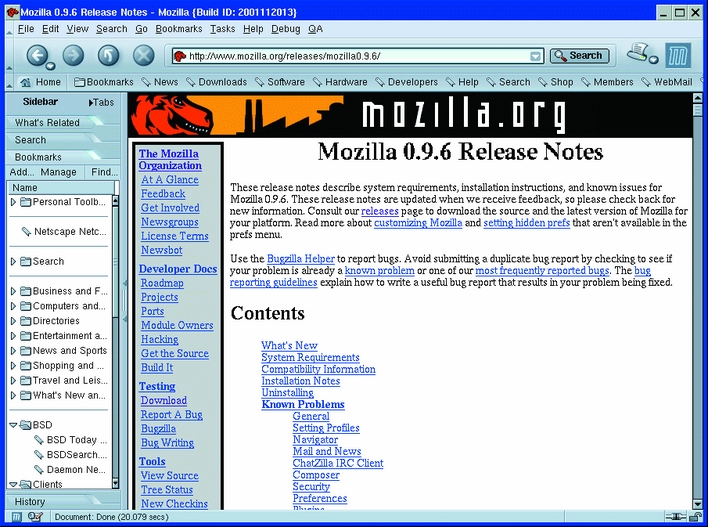
Mozilla Screenshot
Version 0.9.6 introduces a print preview function that contains some oddities. First, the print preview is displayed in the main browser window, and there doesn't seem to be any way to switch back to the page display short of reloading the page. Also, the print preview shows headers, like the page title and URL, which do not appear when the pages are printed. Mozilla also has added the ability to show multiple web pages in one window, with tabs instead of a new window for each site.
If Mozilla is installed from RPMs, the Personal Security Manager (psm) package needs to be installed so that Mozilla and Mozilla-based browsers (e.g., Galeon and SkipStone) can handle encrypted web pages.
Long available on Windows, Opera bills itself as the fastest browser available. The program starts quickly and is very responsive, but it doesn't seem to render pages significantly faster than the other browsers. Opera for Linux is built using the Qt toolkit, and both statically and dynamically linked versions of the browser may be downloaded from the web site.
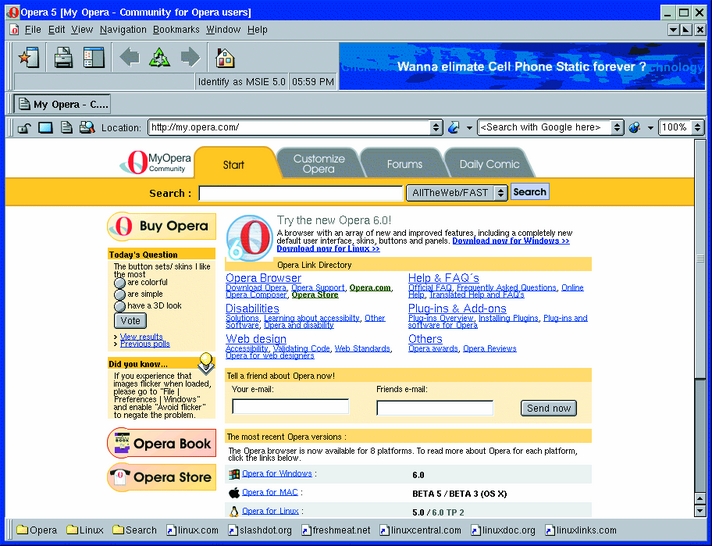
Opera Screenshot
Opera shows maturity in its interface and capabilities, but there are some things to watch out for. One large bug that cropped up was it occasionally wouldn't erase the old page and display a new web page, even though it insisted that it had finished loading it. This happened frequently with Freshmeat (freshmeat.com), and the only fix was to load the requested page again. There were also problems with printing; printing in landscape orientation produced no output, and the browser prints in color even if grayscale is selected. Opera 5.0 doesn't support Java or plugins, but the Opera 6 Technology Preview notes indicate that these items are available in version 6.
Also built on Mozilla, SkipStone is younger than Galeon and sports a sparser, though functional, interface. This browser still has some quirks, such as there is no way to browse local directories using the File®Open menu and there are no location histories for the Forward and Back arrows.
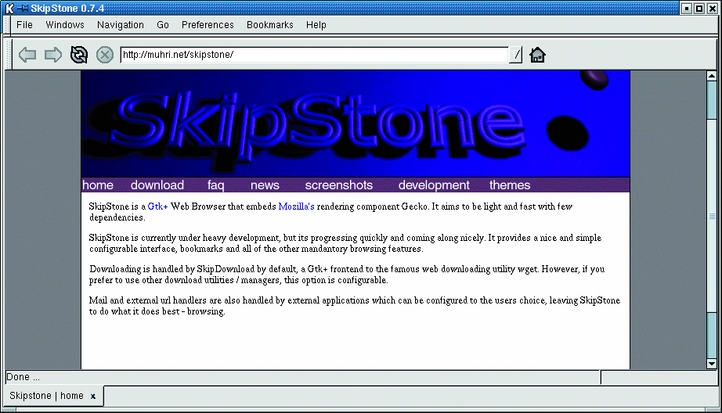
SkipStone Screenshot
While other Mozilla-based browsers were able to create an auction on eBay, SkipStone crashed as soon as the Continue button was pressed.
Quite a few browsers are available for Linux, and the competition seems to bring out useful features in all of them. For the most part, all of these browsers are good enough to be used for day-to-day browsing, but your choices may be limited depending upon the sites you visit. Several of the programs examined are pre-1.0 versions, so there is hope that any quirks and bugs will be worked out as development continues.

