
NetMAX Apache WebServer
Manufacturer: Cybernet Systems Corporation
E-mail: info@netmax.com
Price: $89 US
Reviewer: Allan Liska
With the self-stated goal of “simplifying Linux”, NetMAX has introduced a trio of “Net appliance” products: WebServer, FireWall and FileServer. You can also get all three rolled into one, along with additional network management tools, in the Professional version of the software. Unlike most Net appliance makers, NetMAX concentrates on software, leaving the hardware for the user to supply.
NetMAX makes the software available in both Red Hat Linux and FreeBSD versions, both of which, they claim, can be installed in under 15 minutes. As with most appliance software, common administrative functions can be performed through a web browser.
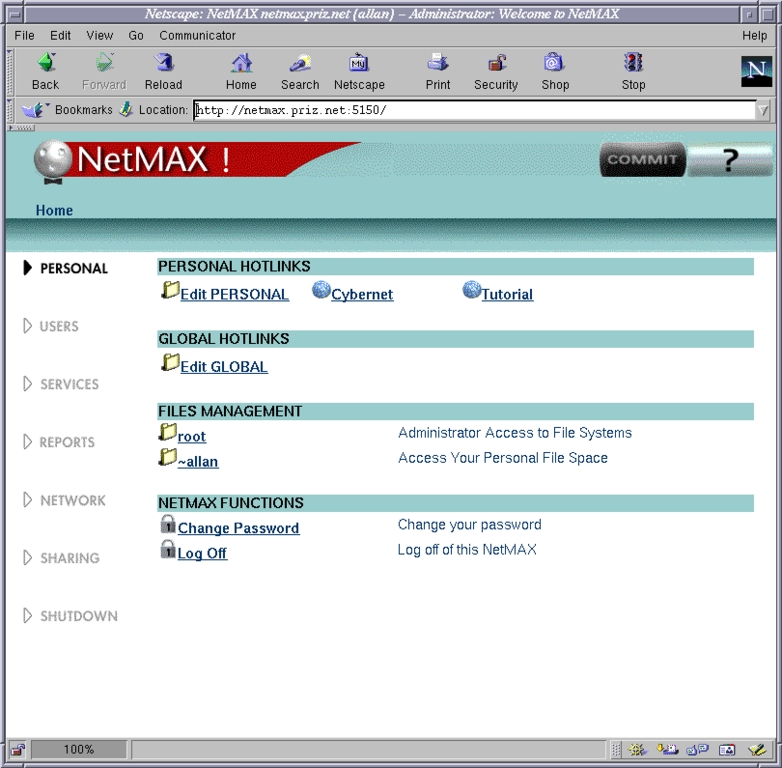
Figure 1.
The NetMAX WebServer can be installed over an existing Red Hat system, or it can be installed fresh. I chose the latter option, ordered the NetMAX WebServer, and built the following machine to support it: AMD 300, 64MB of RAM, 2GB Seagate IDE Drive and Intel 10/100 Pro Ethernet Adapter. All of these are well above the listed minimum requirements of a Pentium-based processor: 32MB of RAM and 1GB hard drive. It takes the local Chinese food place about 25 minutes to deliver an order, so I decided to use them as a timer. I placed my order, opened the box, and began the installation process.
The WebServer comes with a boot disk, a CD with the software and two manuals: Installation and User. Having done dozens of Linux installations, I bypassed the manuals, put the CD into the CD-ROM drive and booted the machine. The installation screen appeared, detected the LAN card, and asked me for an IP address and netmask, while files were being copied over to the hard drive. I entered them and was informed I could finish the install from the terminal or over the Web, by going to the entered IP address on port 5150. This part of the process took about five minutes.
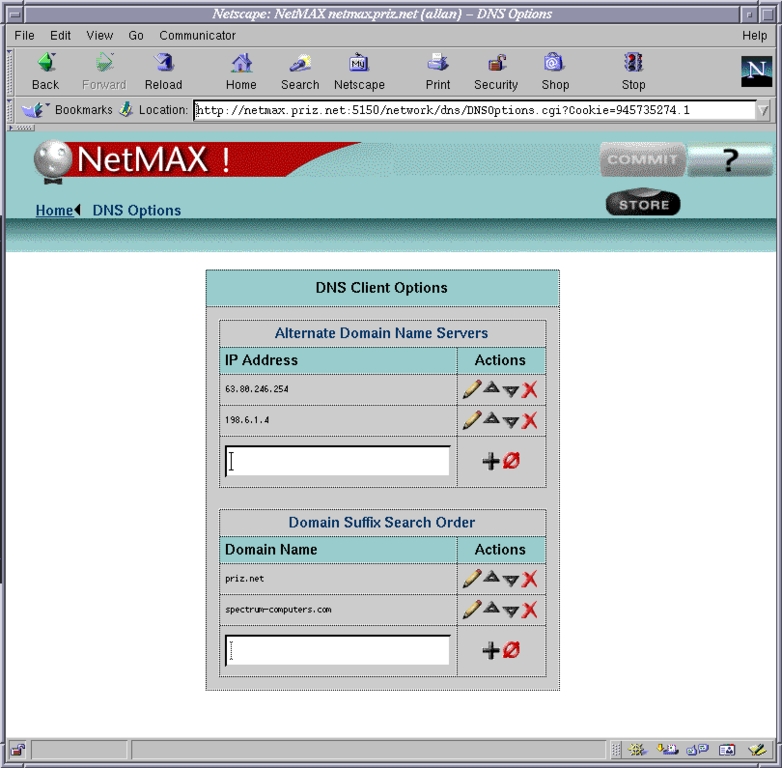
Figure 2.
I opted for the web installation, sat down at a nearby machine and accessed the IP address at port 5150 in a web browser. The admin page came up promptly, I was asked a couple of questions about the network configuration, and the installation began. Total time so far: ten minutes.
The only snag I ran into with this process was the WebServer did not detect our local nameserver for some reason. I substituted another provider's nameserver, it was detected, and the install continued. After the install, I went back and replaced the other provider's name server with ours, and it worked fine.
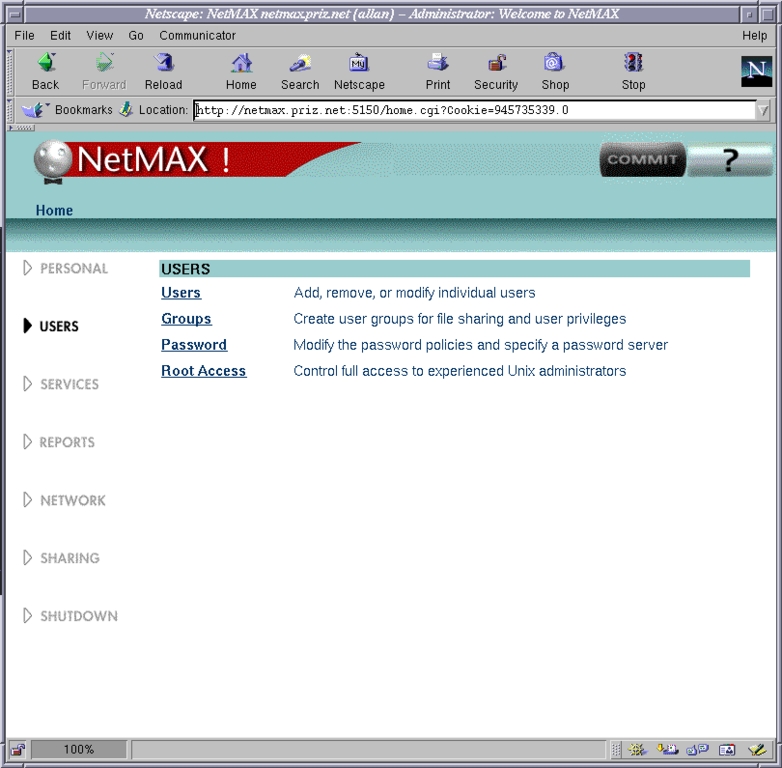
Figure 3.
Everything was done automatically; the WebServer software formatted the drive, created the partitions and installed the necessary services. It even automatically detected the local Windows Workgroup name and added itself to it, sharing the root HTML directories automatically so they could be updated easily by anyone in the organization with proper access. While the software is installing, the browser displays a status bar, tracking the entire process and updating you with what is being done.
The delivery person arrived just as the machine was finishing and getting ready to reboot. Total time: 25 minutes. While this was not quite the advertised 15 minutes, it certainly was not too long to wait to have a fully functioning web, mail and FTP server.
As I ate my Kung Pao chicken, I explored the web interface to the WebServer. I was a little disappointed to notice that the version of Red Hat installed by the NetMAX WebServer was 5.2. A quick check to the NetMAX web page told me the new WebServer version would be shipping in mid-January, and as a registered user, I would be entitled to a free upgrade. Another disappointment I had was that the server did not come pre-installed with PHP or MySQL. Fortunately, these were very easily installed.
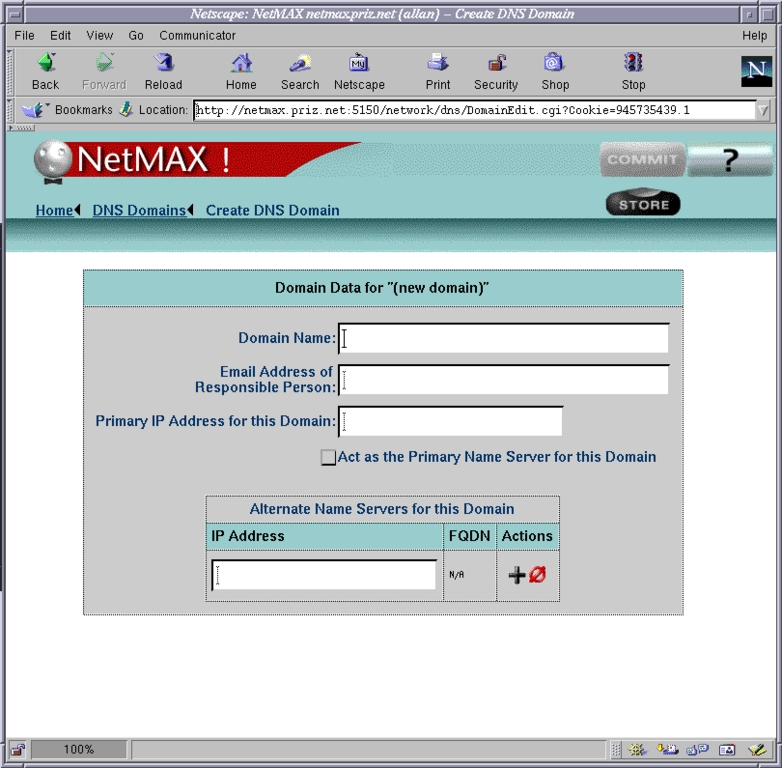
Figure 4.
The WebServer software packages include Apache, with optional support for FrontPage Extensions, Sendmail and WU-FTPD. There is also an X Window System Client and a remote X-application server.
The web interface is very impressive. It is a series of CGI scripts that allow you to update and change a wide array of daemons on the server. Our company has been using the Cobalt Network's RAQ Servers for more than a year, so I was prepared to find similar features with the NetMAX WebServer. Instead, I found a much wider breadth of services.
After you log in to the WebServer, you are taken to a framed Welcome page. From this page, you can take a tutorial of the interface, or you can begin to make changes. On the left side of the page is a menu with seven choices: Personal, Users, Services, Reports, Network, Sharing and Shutdown.
Most experienced Linux administrators should be readily able to determine what is available under each menu, but even Linux novices should have no problem finding what they want.
Obviously, there is not space to go over the content of each sub-menu, but some of the significant things you can do from the web interface include set up e-mail accounts, turn the server into a router, enable and disable remote FTP access (by default, it is disabled from outside the LAN), add new domains and set up primary and secondary DNS for those domains, access CD-ROM and floppies, install new packages (RPMs) and reboot the server.
For all the many useful features the server has, the extensive coding does have a tendency to slow it down somewhat—but only when working within the administrative area; the actual web server responds very quickly. Experienced users may find it quicker to make the changes from the command line; NetMAX anticipated this, so any changes made from the command line override changes made through the GUI. However, inexperienced users will definitely find that the administrative control gained is worth any latency they may experience.
One other nice security feature is that the WebServer will automatically log you off your administration session if it has been idle for too long.
If you would like to get a feel for the administrative server and what features it provides, NetMAX does have an excellent demo on their web site. It's worth taking a look at.
Allan Liska built his first computer when he was 12—a lovely Heathkit with a whopping 16K of memory. He started Spectrum Computers with his wife in 1998, which has since evolved into Priz*Net (http://www.priz.net/) Internet Services—all Linux-based. The important part: his first experience with Linux was in 1995 with Red Hat 5.1. Since then, he has been an avid Red Hat fan. He plans to keep his Windows box around until someone ports Duke Nukem and Test Drive to Linux. He currently runs an AMD 450 with 64 megs of RAM and Red Hat 6.1.
