VMware Virtual Platform
Manufacturer: VMware, Inc.
E-mail: sales@vmware.com
Price: $299 US
Reviewer: Brian Walters
Not too long ago, I looked across my desk and wondered, “How many PCs are too many for one consultant?” I regularly work with Windows, Linux and SCO operating systems and usually need to test interaction between different systems. I counted five PCs, including the company web server sitting on my desk. Coming up with the magic number four was fairly simple, since my keyboard switcher had enough slots for only four systems, and I didn't feel like springing for another box. I tossed the web server under the desk without a monitor or keyboard. This solution results in loading different operating systems when I'm working on different projects—certainly not very efficient. Finally, I found the solution—VMware Virtual Platform from VMware, Inc.
In mid-February, a colleague sent me an e-mail message describing a virtual machine for PCs. This sparked my interest—could it be real? With a virtual machine such as the one my friend described, the possibilities seemed endless. Virtual machines ran on old IBM mainframes; surely you would need special hardware and not just your average “run of the mill” PC sold today. A few clicks of the mouse took me to the VMware web site, where mention was made of an upcoming beta program. I signed up and waited patiently for the beta release date of March 15.
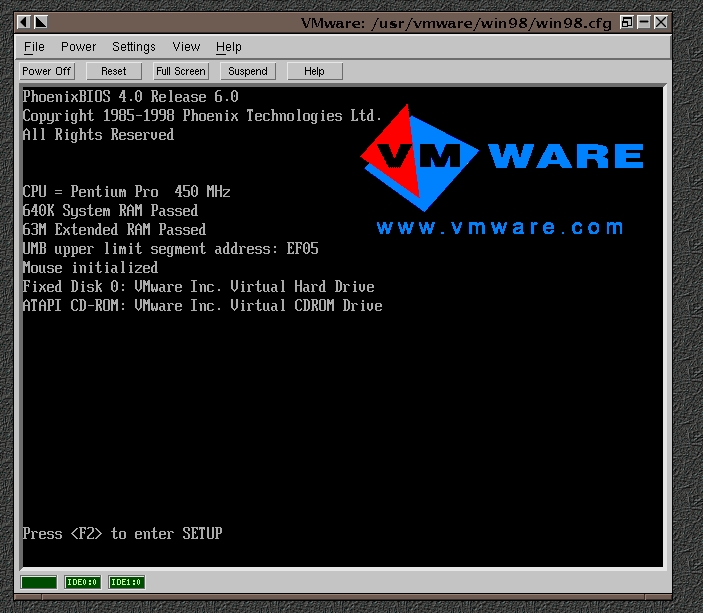
According to the web site, VMware for Linux allows your PC to act as a host operating system for virtual machines which I call VMs. The virtual machine presents a complete image of a standard PC to the guest operating system. The VM also has its own BIOS (see Figure 1) that can be adjusted just like your real computer. Many components are virtualized, such as the network card, sound card, hard drive and mouse. However, the processor is not; it is more like a serial multiplexer where instructions are multiplexed from the different VMs and host OS. This gives the user much better performance, since the instructions are executed without any translation.
Unfortunately, this fantastic performance does come at a cost—you can't step through a program and you can't test SMP (symmetrical multi-processing) applications on your VMs. The stepping problem should be fixed by the time this article is published, but the SMP issue will take longer. SMP systems are supported in the host OS, so you can actually have multiple VMs running on different processors. Virtualization of the hard drive also adds a wonderful feature for developers—rollbacks. A VM hard drive can be configured read-only to allow the guest OS to make changes in a log file. If something goes wrong, just restart the VM and everything is back to its original state. Imagine how easy this makes testing install scripts.
Finally, the day arrived when I was able to download the beta to test whether it was all it was cracked up to be. On the morning of the beta release, the web site received so many hits the company was forced to quickly put up mirror sites. I was pleased with the amount of documentation available, including ample information on the errors you might get and how to fix them.
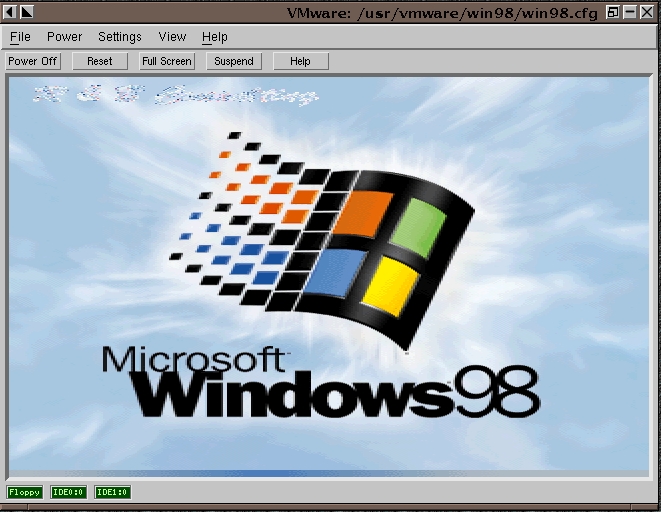
I rebooted my primary machine from Windows to Linux and followed the installation instructions. VMware installed easily and seemed a perfect fit with Red Hat 5.2 and the 2.0.36 kernel. I then installed the license file received via e-mail. I started VMware and went through the configuration wizard, which made it easy to set up a ready-to-use configuration for Windows 98 (see Figure 2). Next, I popped in my Windows OEM preboot floppy and clicked the “power” button. In the window, a normal BIOS screen appeared with the VMware logo on the right. Fifteen minutes later, I was done. Just like a regular PC installation, the new virtual disk was partitioned and formatted following a virtual reboot and installation of the OS. There was absolutely no difference between my test installation and a normal Windows 9x OEM system load.
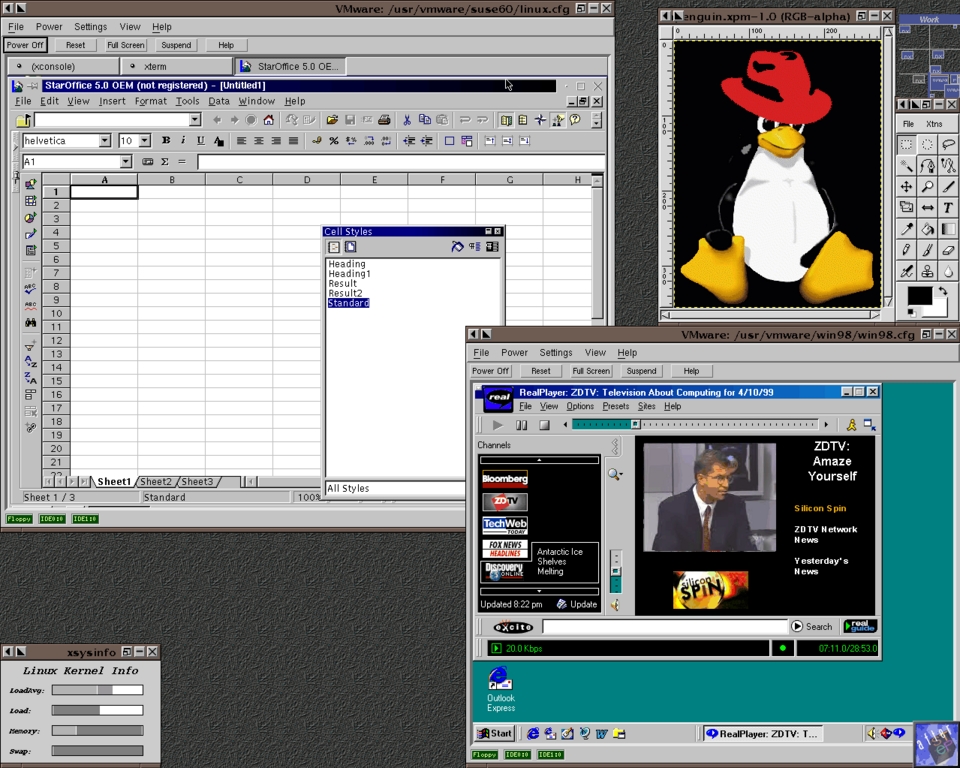
Next, I loaded Caldera, SuSE, Windows 95 and even Windows NT Terminal Server. All of these operating systems loaded without any problem, and I used the wonderful documentation to get the virtual sound and network cards working. Finally, I moved my installations over to a better-equipped PC, a dual Celeron 300a clocked at 450MHz with 256MB of RAM and a 13GB hard drive. Since the VMs appear the same on all hosts, I was able to copy my previous installs over to the bigger PC. With the addition of power and memory, I was able to run most of these operating systems simultaneously with ample performance in each (which was good, since Windows NT Terminal Server is a resource hog). Probably the best example of performance was when I started compiling the 2.2.5 Linux kernel on my host PC, started another kernel compile on a VM running SuSE, and viewed a RealVideo clip playing in Windows 95 on a VM. The sound and video never skipped a beat.
Now those four PCs on my desk have become many more. Support for FreeBSD, Solaris and Windows 2000 Beta are currently underway and should be available by the time you read this. However, some operating systems are not on the immediate horizon: SCO OpenServer, UNIXware and NetBSD are not planned as supported platforms for the official 1.0 release. VMware allows me to test many versions of Windows and Linux workstations all at the same time. I am hoping to learn more about FreeBSD and Solaris once they are supported. Thanks to the virtualization of the network card, I can assign each VM its own IP address and actually test how multiple workstations will interact with each other from one PC. I have found it is even possible to have a VM respond to a DHCP server when your host OS does not have an address on the LAN.
How much does an incredible application like this cost? Considering the cost of a decent PC today is at least $1000 or more, I think $999 would be a fantastic price, since it will save you so much space. The folks at VMware think differently though—for just $299 US, you can give your computer a multiple PC disorder. A student discount of 67%, i.e., to $99, is available. While I wouldn't recommend this to all the gamers, if you're developing applications for Linux or Windows this is truly a tool you should not be without. VMware is also great for testing the new distributions of Linux with their many new features.