VariCAD Version 6.2-0.3

Manufacturer: VariCAD
E-mail: mail@varicad.com
URL: http://www.varicad.com/
Price: VariCAD for Linux: $299 download via Internet$499 with support via Internet (CD-ROM included)$199 education version
Reviewer: Bradley Willson
VariCAD is a fast, compact and economical mechanical CAD package featuring true 3-D modeling, solids and spatial analysis, 2-D to 3-D and 3-D to 2-D projection and extrusion, parametric symbol and mechanical part libraries and surface development utilities. It can be installed as a stand-alone application or on a server and networked in peer-to-peer and client-server configurations. The Linux version offers additional file security with chown. For the price, it delivers a strong value; however, a learning curve is involved.
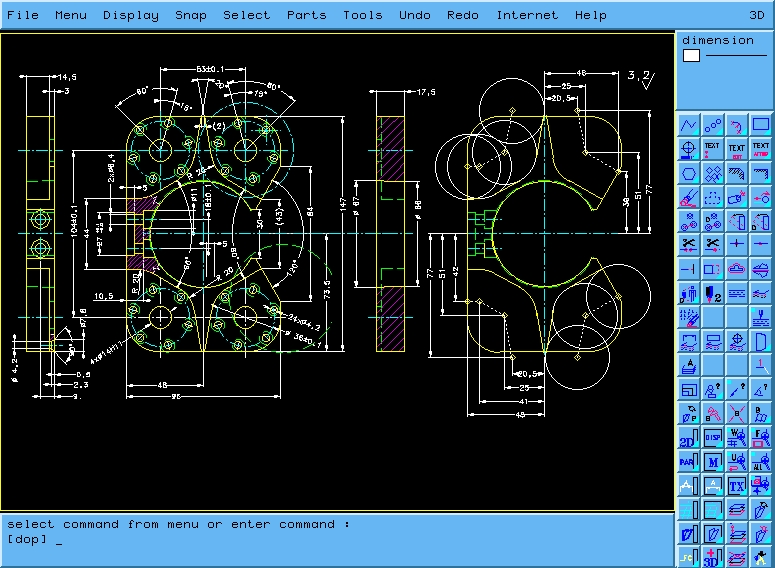
At the interface level, VariCAD resembles Microstation95 with a multitude of icons and sub-menus in both static display and windowed groups. The top menu bar is generic, with pull-down and side menus. Most of the available functions are presented in both the icons and menu bars. While you work, the menu choices and icons change functionality relative to your working environment. Menus, sub-menus, icons and sub-icons are easily customized by editing separate text configuration files. In a networked environment, each user is able to customize his own menus and icons to his liking. The layout of the screen worked reasonably well for my work style. I was inclined to use the menu bar more at the beginning and the icons later on, once I better understood the meanings of the icon symbols.
The icons are arranged in a column matrix, loosely separated into two sections with active functions at the top and function group selection icons at the bottom. Changing the group of active functions is a simple matter of selecting one of the function group icons. Some of the function group icons also launch floating icon windows. I found the tool tips to be a great help in deciphering the icon glyphs.
The command line at the bottom of the window reminded me of AutoCAD, but that is the only resemblance. The acronyms varied from those I knew in AutoCAD. Selecting a menu item or icon causes the associated acronym to be displayed on the command line. Commands can also be entered manually using acronyms. Additional parameters are either entered as single letter, digit or symbol options, or by interactive selection of drawing and solid objects.
Example files are always a plus when working with a new program and VariCAD ships with several well-crafted samples of the program features. From those files, I was able to get a rough idea of performance and capabilities. Both 2-D and 3-D files loaded quickly on my 200MHz machine with the 3-D samples taking slightly longer to load, depending on the number of elements involved. Overall, I was satisfied with the graphic display quality, but VariCAD lacks the ability to export a rendered image to a standard graphics file format. To send a concept picture by e-mail, a separate utility must be used to create the snapshot file. As far as printed quality is concerned, VariCAD scores excellent. The lines are crisp and the text is clear, even on a dot-matrix printout. Since your output may vary, VariCAD includes all of the popular drawing size formats in both metric and ANSI.
Working with the examples was easy, but getting started with a blank slate was another matter. As each new experience has a learning curve, I expected some level of difficulty in getting started, but I found the VariCAD learning curve to be closer to that of CATIA than to Microstation95 or AutoCAD. As a member of that group of people who jumps right into working with software without reading the manual, I ran into some problems with symbology and default settings. The default sizes of the icons were too small for my old monitor to show clearly. Once I learned how to enlarge them, the symbology became easier to decipher.
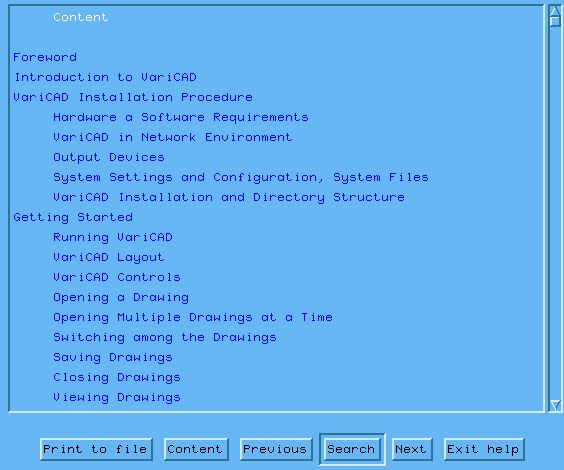
The on-line manual was instrumental in helping me learn to modify the icon characteristics and other tasks during the review process. Pop-up tool tips were also quite helpful, but I would still like to see VariCAD offer a printed quick reference guide for the icon graphics. I am also one of those people who likes a printed page for reference, so I was happy to discover the on-line manual can be spooled to a printer or text file. I also found the search engine left something to be desired in that it did not effectively return results on multiple keyword searches. Overall, the manual appears to be complete, with a few translation, grammar and spelling errors throughout the document.
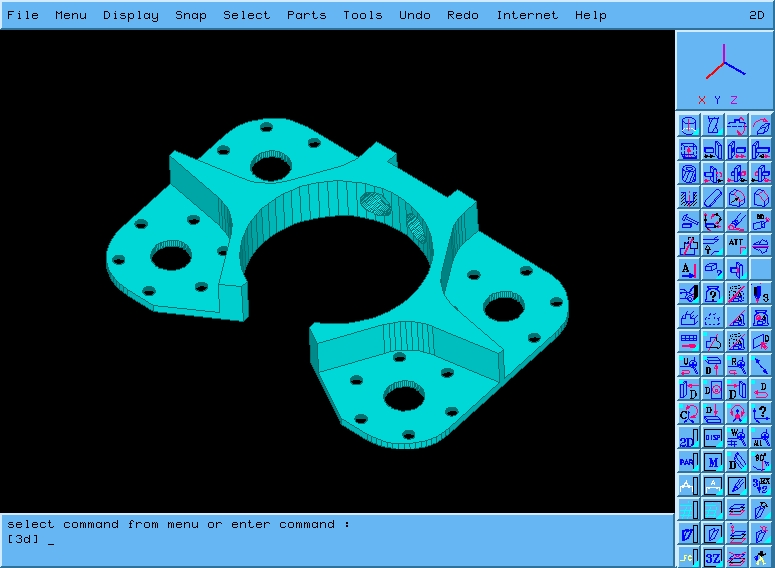
At first, I found working in VariCAD's 3-D environment to be awkward and unforgiving. The error messages that resulted from missed picks were annoying. Even CATIA will ignore missed picks and allow the user to try again without interrogation. I like the mouse-driven zoom and pan features, which make working on a large area easy. I missed the presence of an axis displayed at 0,0,0 with the vectors labeled X,Y and Z. The reliance on colors for identification of the axis vectors will make using the product difficult for color-blind users.
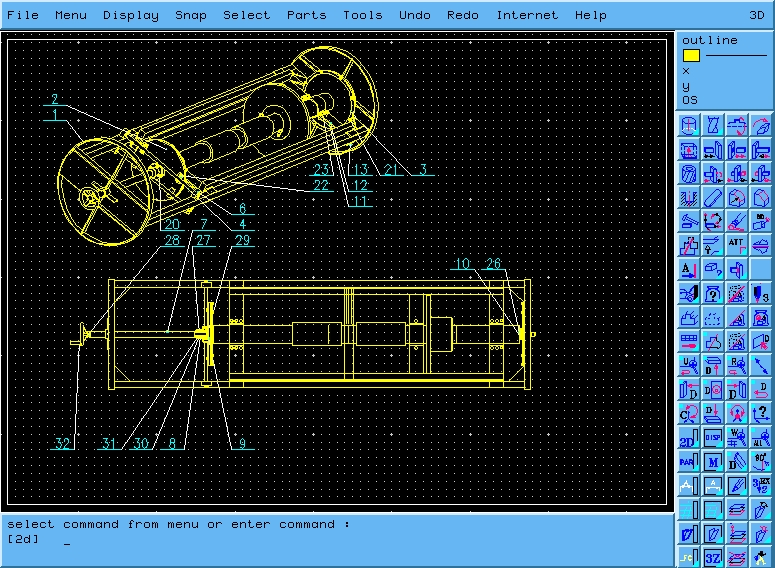
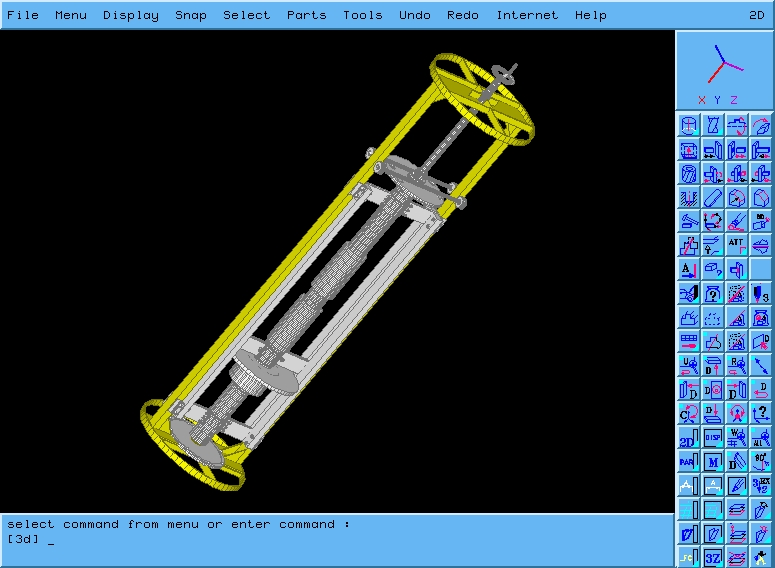
VariCAD recommends constructing the geometry for the solids first, then projecting the finished product into the 2-D drawing. This approach makes sense because the projected geometry does not automatically update when the parent solid is modified. Overall, the solids module is comprehensive and includes features such as moment of inertia, interference and material properties analysis in addition to solid merging, subtraction and compound surface manipulation features. I liked the “Bill Of Material” feature, because it makes it possible to specify the materials and parts “on the fly”.
VariCAD comes with extensive parametric part and symbol libraries. If you need a 2-inch long 1/4-20 bolt included in your design, it is a simple matter of defining the parameters in a dialog box and then placing the resulting part in either 2-D or 3-D modes. The modular design philosophy behind the “Assembly” feature is becoming more popular, so VariCAD is right in stride with the trend. This feature gives you the ability to design individual components in small separate files and then assemble them in a “collector” drawing file.
Finally, VariCAD features DXF and IGES file format import and export capabilities for easy communication between other popular CAD packages.
VariCAD is powerful and efficient with a long history of development. VariCAD celebrated its tenth anniversary in 1998. The people at VariCAD have elevated rapid development to a science. In the past six months, they have released three versions of VariCAD, and by the time this review is printed, they will have released a few more. October 1998 was the most recent release date, with major improvements in the area of 3-D to 2-D associativity as well as other enhancements. VariCAD is a work in progress and continues to improve with each new release.